 LYNK&CO 900
Software Service Center
When an app on your car needs fixing, you don't drive anywhere. The car opens a secure online connection and we fix your apps from a distance — only while the car is parked, and you can stop it any time.

No workshop visit, no cables, no handing over your car:
we fix the apps on your car over the internet, while it sits parked at home.
Download the Service Center Installer on your Android phone or Windows PC, join the car's Wi-Fi (or a phone hotspot) and tap Install Service Center: it puts Service Center on the car's front screen, always the newest version. After that the app keeps itself up to date.
The installer can also remove everything it added — App Store, every app installed from it, Car Remote, USB Internet, Service Center and all entertainment apps — and clear the car's logs in one tap, leaving the car as it was.
How it works
When something isn't right with your apps, help is a message away.
Tell us the problem
Message us on Telegram and describe what's wrong. If Service Center isn't on your car yet, install it with the installer above.
Open Service Center
On the car's front screen, open Service Center, type the problem and press Start online connection. The car must be parked in P.
Share the service code
The app shows a short service code. Send it to us on Telegram — that's how we reach only your car, and only now.
We fix it
We connect to your car over a secure tunnel and fix the apps from the service center, while you watch on the screen.
It ends on its own
Press Stop whenever you like. Otherwise the connection closes by itself after 3 hours, or the moment the car leaves Park.
Safe by design
The connection only opens while the car is parked in P — put it in gear and every open tunnel closes at once. You start it, you see the service code, and you can stop it any time; if you forget, it ends by itself after three hours. Nothing runs in the background and nothing stays connected after the fix.
What it does
Made for the Lynk & Co 900 head unit, tested in the car.
Fixes your apps remotely
Settings, updates, a stuck app, a reinstall — we take care of it over the internet, so you don't take the car anywhere.
You're in control
It only runs when you press Start, with a code only you can share. Stop it whenever you want.
Only in Park
The connection works only while the car is in P. Drive off and it closes on its own, every time.
Ends by itself
If you forget to stop it, the session closes automatically after three hours.
Installs your apps too
Service Center can also put App Store, Car Remote and USB Internet on the car, and keep itself up to date.
No cables, no workshop
Everything happens over the car's internet while it sits parked. No visit, no USB sticks.
Updates itself
New versions install by themselves, only while the car is parked in P.
Private
We reach your car only after you press Start and send us the service code — and only until the fix is done.
Put it on your car
One app on your phone or PC installs Service Center on the car's front screen over the car's own network.

Join the same network. Put your phone (or PC) on the same Wi-Fi as the car, or turn on your phone's hotspot and connect the car to it.
Tap Install Service Center. The installer finds the car's front screen on its own. The car asks once to allow the connection — tick Always allow and tap Allow.
That's it. Service Center opens on the car, always the newest version, and keeps itself up to date from then on. Download it above for Android or Windows.
More from Mr. Hawari
Everything else for your Lynk & Co 900.
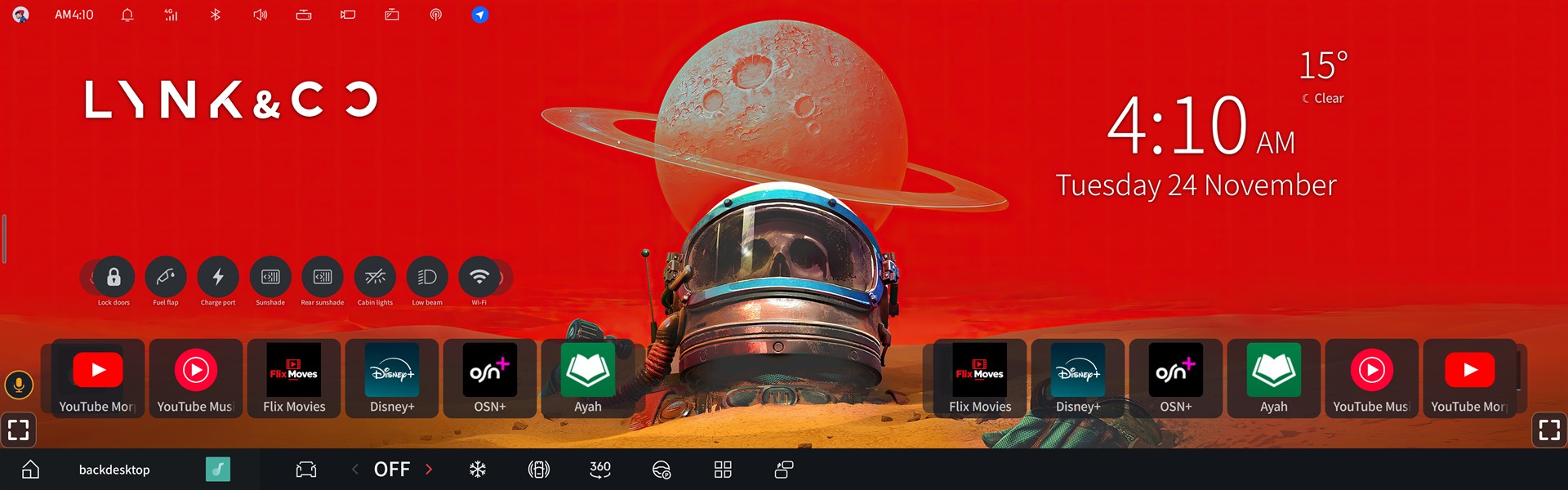
Lynk 900 App Store
English apps for every screen — dashboards, media, navigation and more, installed and kept up to date right from the car.
Open site →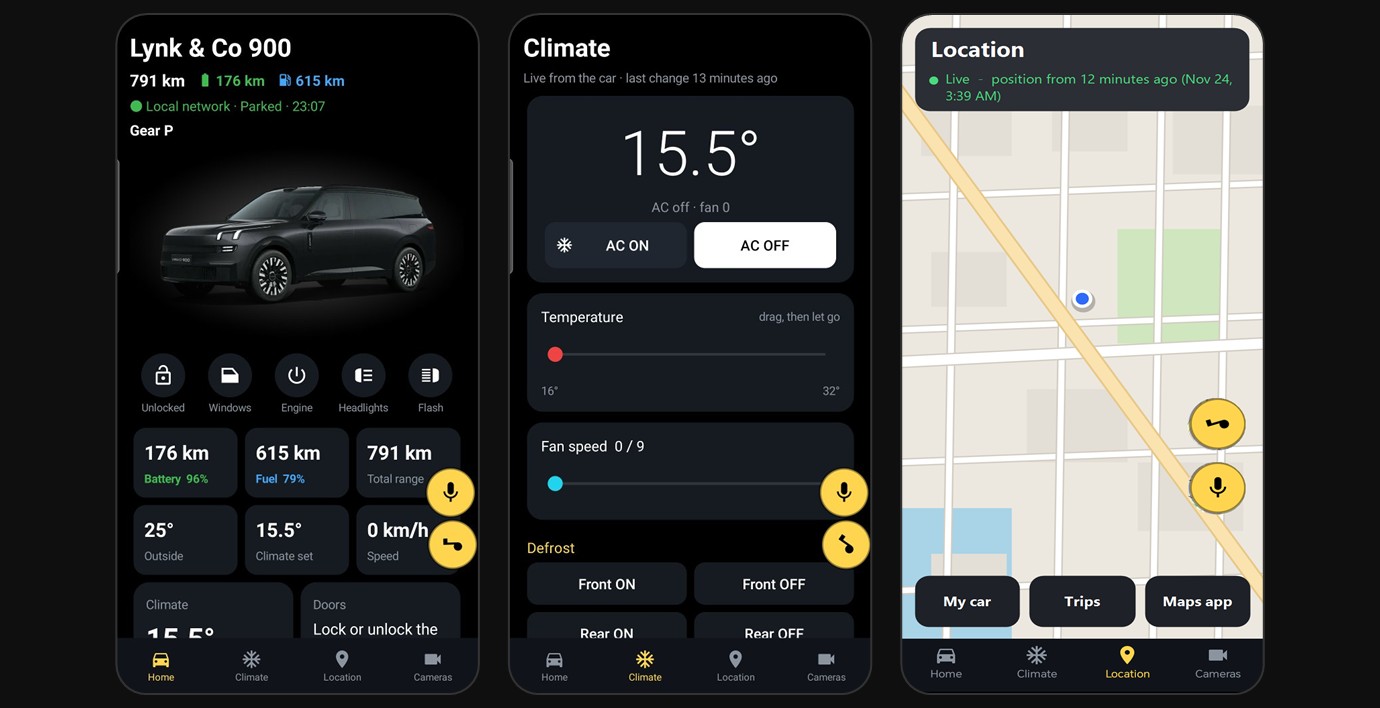
Lynk Remote
Your car from your phone: lock, climate, lights, LED shows and the cabin cameras — from anywhere.
Open site →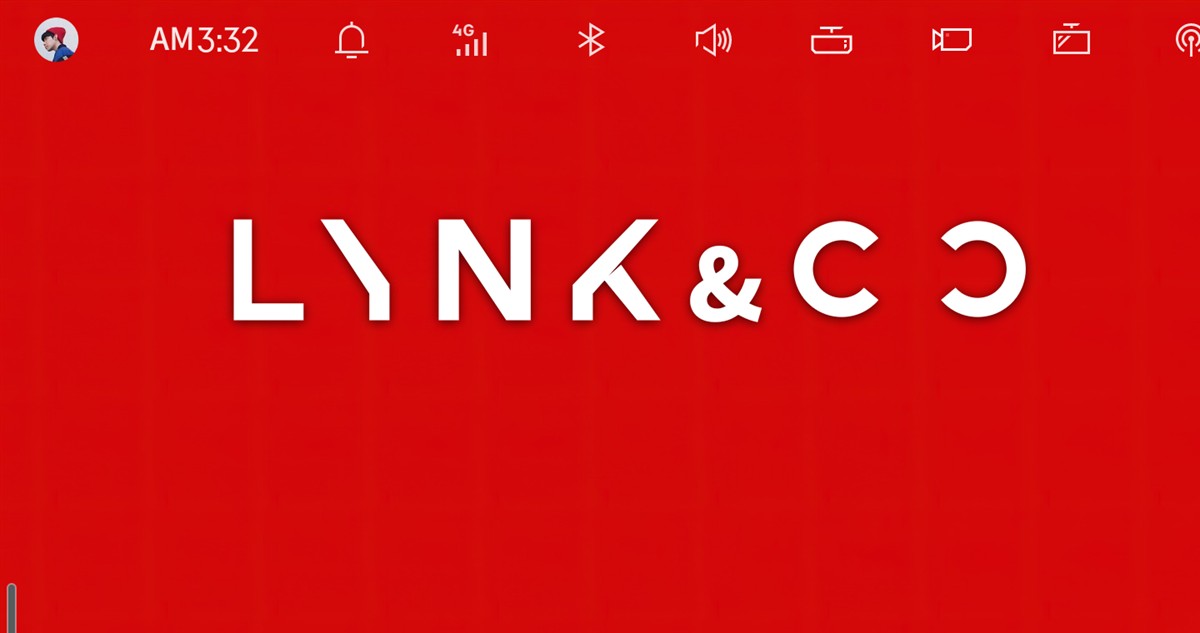
USB Internet
Without a SIM card in the car, you can get a 4G signal in your car — right in the dashboard's status bar.
Open site →Contact us
Something wrong with your apps, or want Service Center on your Lynk & Co 900? Message us on Telegram. Scan the codes with your phone camera: RedotPay to pay, Telegram to message us.
Open in Telegram